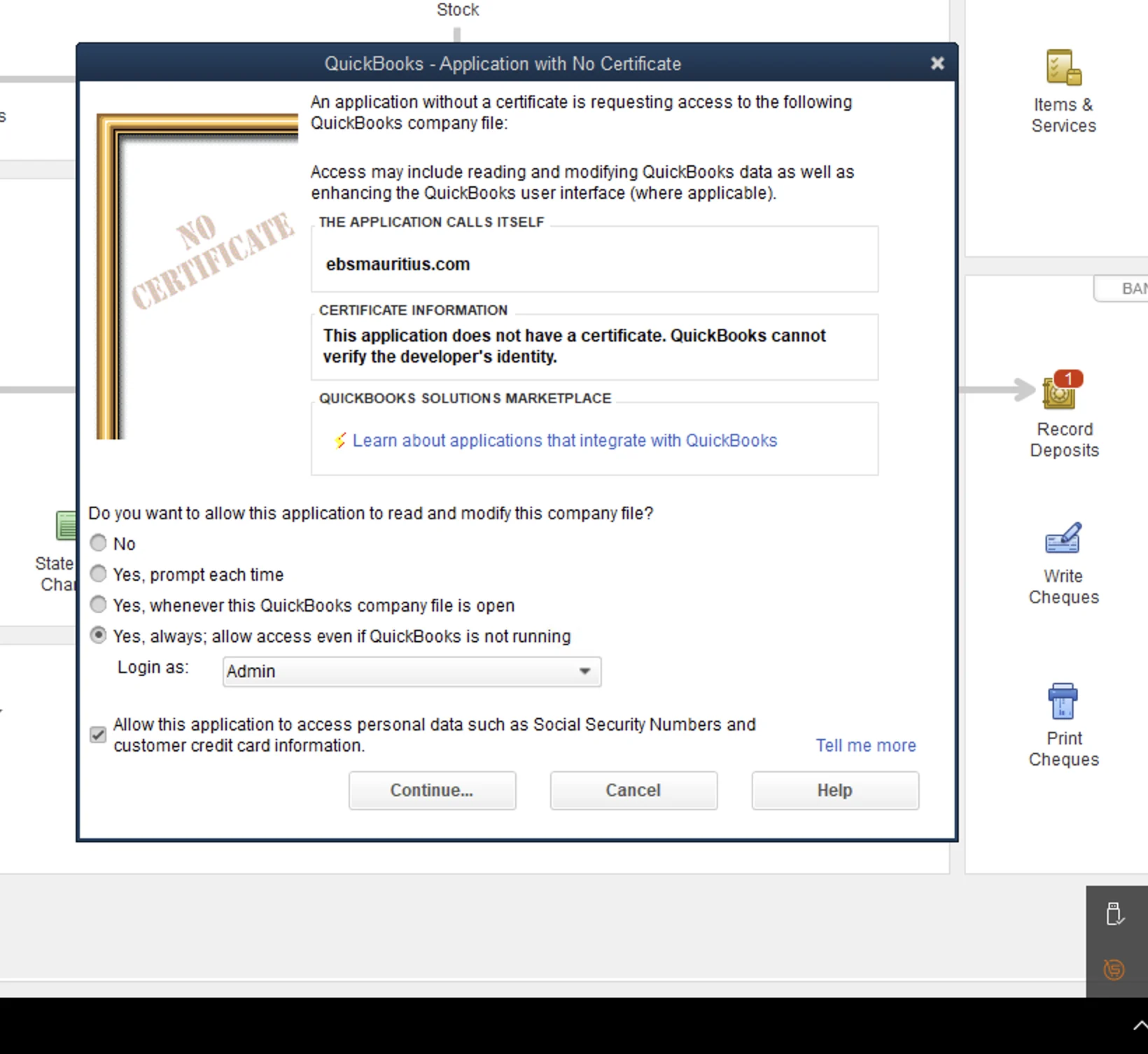
QuickBooks Desktop is one of the most requested workflows from businesses moving into MRA e-invoicing in Mauritius. Many teams have invested years in their current process and cannot switch systems overnight. We built this implementation model for exactly that reality: keep QuickBooks Desktop in place, add compliant fiscalisation, and avoid disruptive process redesign.
Why This Guide Matters for QuickBooks Desktop Users
QuickBooks Desktop is a legacy platform and its integration methods are legacy too. It is also being discontinued in several markets, but we understand that upgrades and migrations take time. Instead of forcing rushed change, we help clients run a stable transitional model so they can stay compliant now and plan platform change on their own timeline.
Cloud, On-Prem, and Fast Delivery in One Flow
We support both cloud-hosted QuickBooks Desktop and physical on-premise setups. Cloud hosting is usually smoother because internet is more stable. For physical installations, the main requirement is reliable internet at least when fiscalising.
Setup is carried out remotely once access and prerequisites are confirmed. Go-live follows registration and successful testing. Your existing invoicing flow stays the same, and we add fiscalisation with minimal interruption.
After fiscalisation, QR invoices can stay on the main QuickBooks machine and are delivered in seconds to any designated desktop. If customer email addresses are available, invoices can also be sent automatically in the same workflow.
Built for Suppliers and Distributors Running Delivery Fleets
In supplier and distributor environments, documents move quickly and delivery teams cannot wait for complicated post-processing. Our QuickBooks Desktop workflow is designed for these field-heavy operations, including cases where goods are delivered by trucks and invoicing must stay fast and predictable. Teams continue using their normal process with no major operational change, while compliance output is handled in the background.
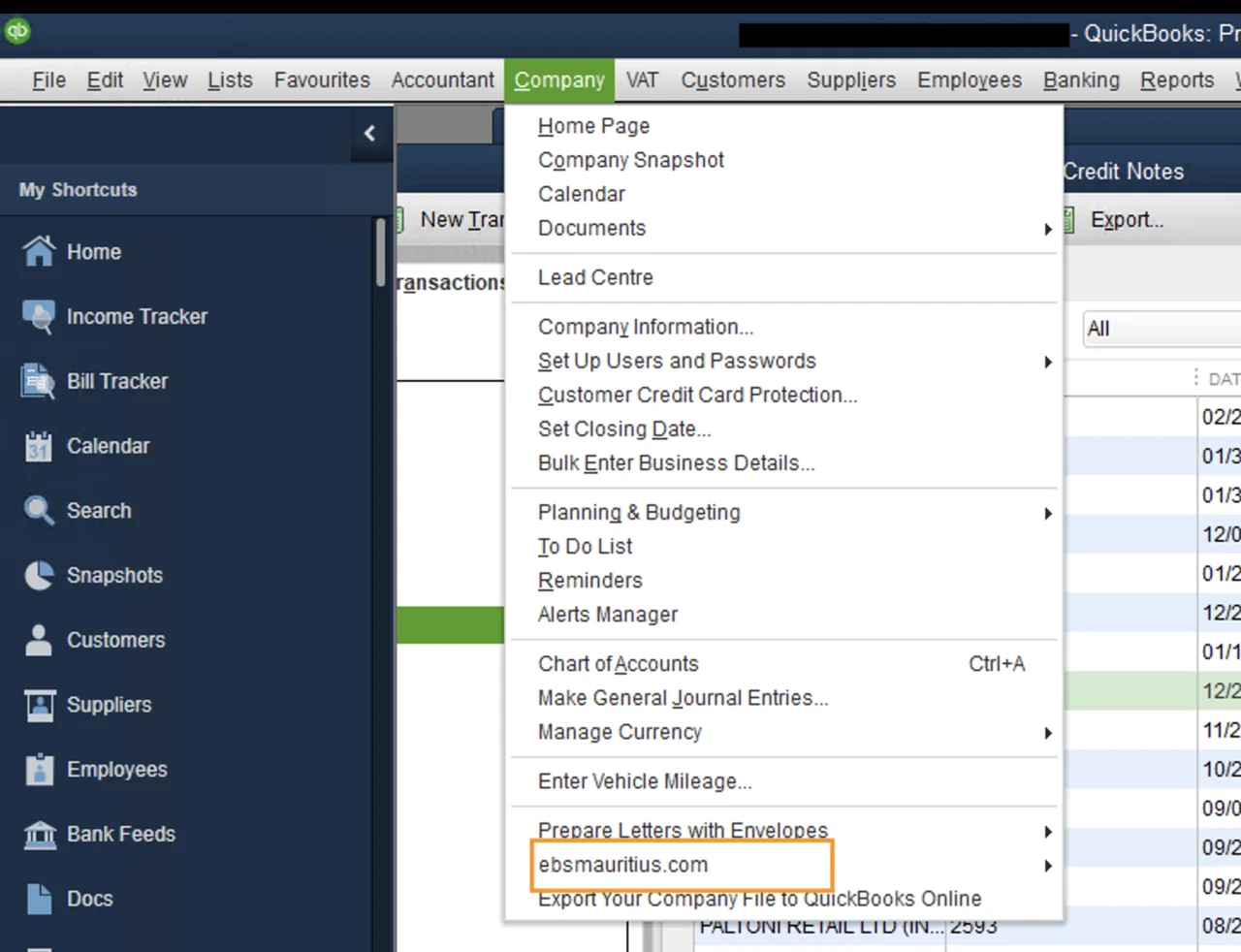
For teams that require manual control points, this mode provides a formal point-and-click path inside QuickBooks Desktop to trigger fiscalisation while preserving the established accounting workflow.
Plan for Your Daily Invoice Volume
Share your normal daily volume, peak billing periods and the workstations that need access to fiscalised invoices. We use that information to plan the gateway setup, user handover and support requirements.
What Makes This Approach Different
Most legacy integration discussions stop at technical possibility. Our focus is execution quality in live business conditions: stable fiscalisation, clear exception handling, fast re-transmission where needed, and distributed QR invoice availability across the teams that need it. The result is a QuickBooks Desktop workflow that stays workable under pressure and keeps compliance aligned with day-to-day operations.